
See it in action
What it does
Batch processing
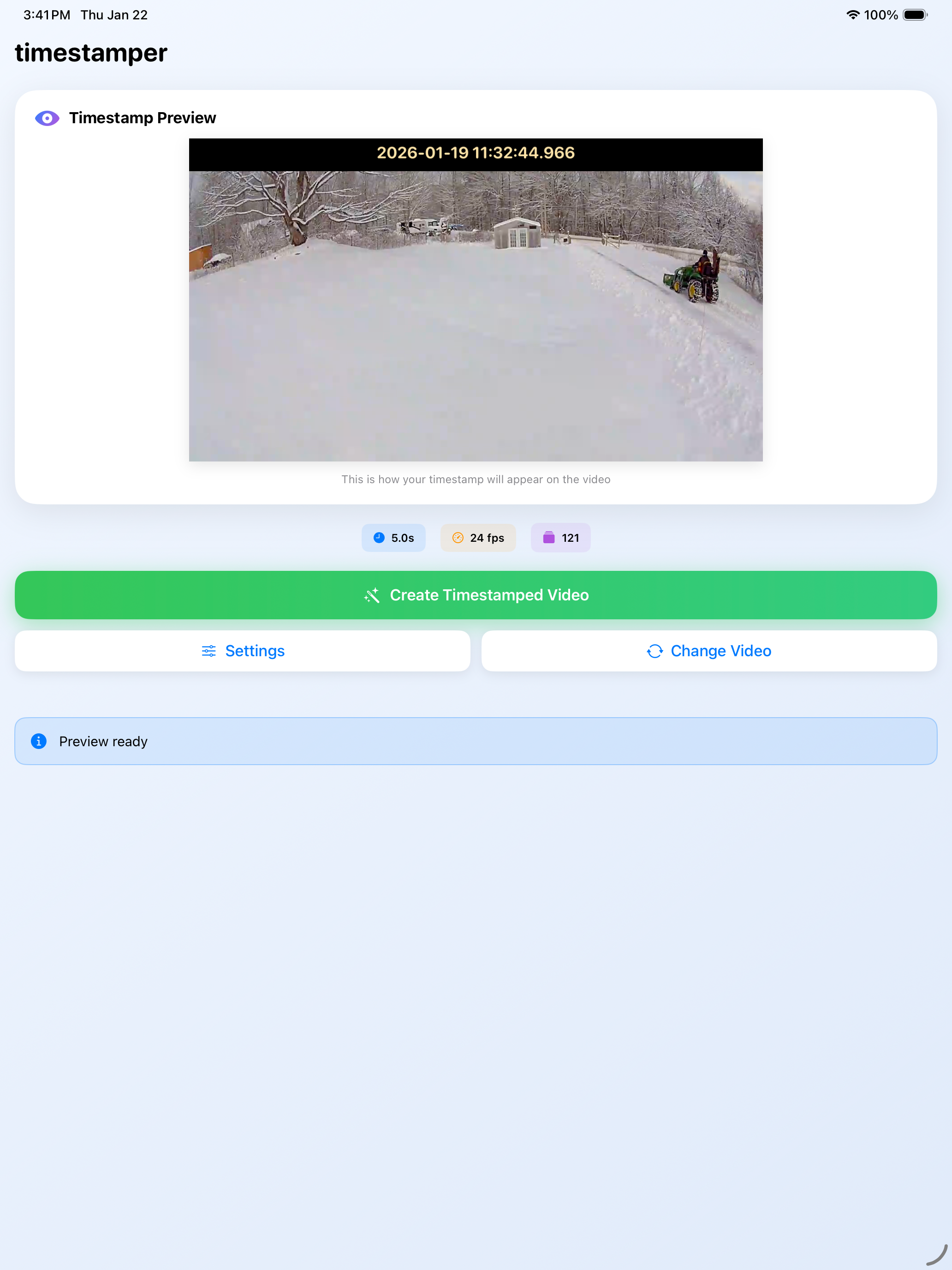
Select up to 20 videos and timestamp them all in one run, with per-video progress and a summary when done.
Automatic time detection
Reads the recording time from your video's metadata or camera filename — and shows you where the time came from, so you know when to double-check it.
Shortcuts & Siri
Automate your workflow with the "Add Timestamp to Video" action in the Shortcuts app.
Quality preserved
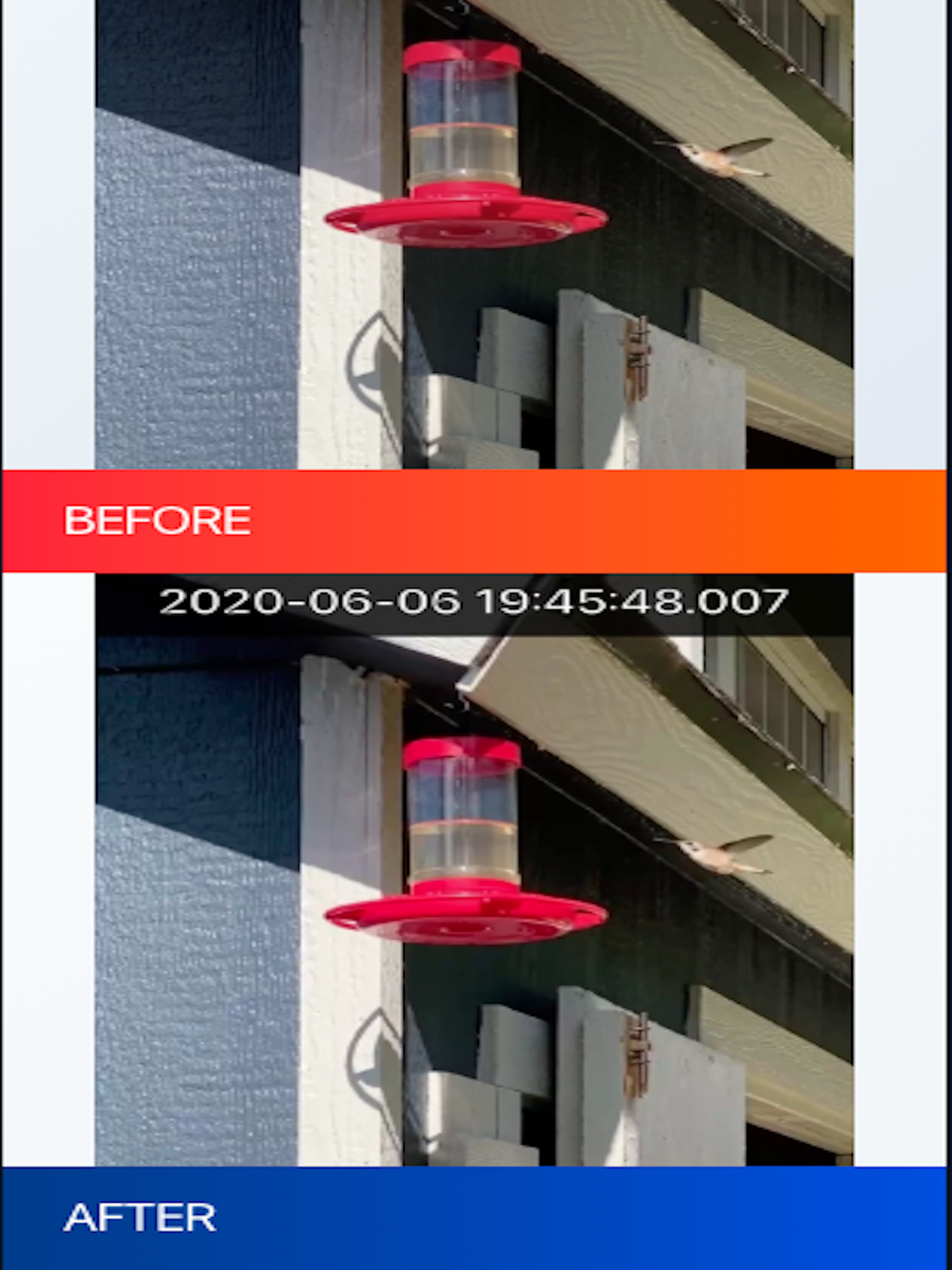
Maintains your original video quality while adding clear, readable timestamps to every frame.
Private by design
All processing happens locally on your device. Your videos never leave your iPhone.
Easy export
Save processed videos to your Photos library or share directly with others.
Customisable
Adjust timestamp format, position, colours, and time zone — plus an optional camera name label above the time.
Speaks your language
Fully localized in English, German, French, and Spanish.
Screenshots
Built for evidence documentation
Time Stamp Adder was designed for homeowners who need to process security camera footage for insurance claims, police reports, or legal documentation. When you need to prove when something happened, having accurate timestamps burned into your video is essential.
It works with clips from Blink, Ring, Arlo, Wyze, and eufy cameras — reading the recording time from each video's metadata or filename automatically. Whether you're documenting property damage, suspicious activity, or any security-related incident, Time Stamp Adder ensures your video evidence includes clear, verifiable time stamps.
How it works
- Import videos from your security camera (via Photos, Files, or the share sheet).
- Select one video to preview it, or up to 20 to process as a batch.
- The recording time is detected automatically — verify or fine-tune it before you stamp.
- Choose your timestamp format and position.
- Tap process and let the app work — switch apps freely, you'll get a notification.
- Save or share your timestamped videos, or automate it all with the Shortcuts action.
The app uses AVAssetReader and AVAssetWriter to keep output quality high while processing quickly, even across multiple videos at once.